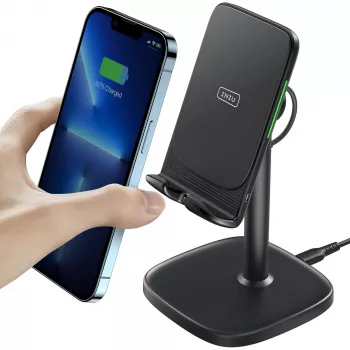
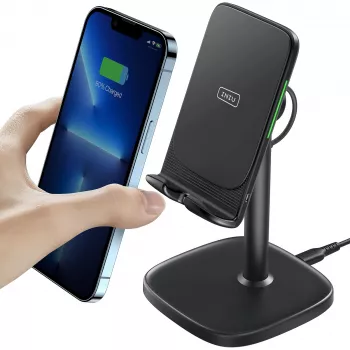
A phone grip that allows MagSafe charging is a MagSafe-compatible grip that attaches with a magnetic ring (not permanent adhesive) and is designed with a MagSafe pass-through or a thin magnetic base that still aligns with an Apple MagSafe charger. In practice, the best option is a true MagSafe grip that can be removed quickly, letting your phone (or MagSafe case) sit flat on the charger for a reliable connection.
MagSafe charging depends on precise magnet alignment and minimal distance between the charger and the phone. A grip that’s built for MagSafe typically uses a strong magnet array to lock onto the MagSafe ring, so you can pop it off before charging. Some models also include a “MagSafe pass-through” design, but charging performance can vary if the grip adds extra thickness or interrupts the coil alignment.
Start with a grip explicitly labeled “MagSafe compatible” or “MagSafe grip.” Avoid standard stick-on grips if you want consistent MagSafe charging, since adhesive bases usually block the charger’s magnetic connection and increase the charging gap. If you use a case, confirm it’s MagSafe (or has a built-in magnet ring); a non-MagSafe case can make even a good magnetic grip feel weak and can reduce charging reliability.
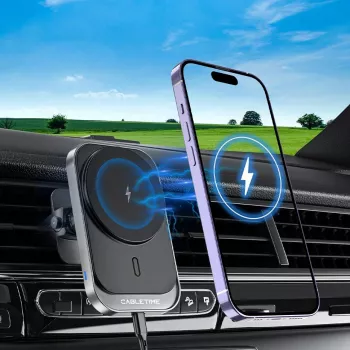
For the smoothest experience, remove the grip before charging and place the phone directly on the MagSafe puck or MagSafe charging stand. If you’re using a car mount, choose a MagSafe mount that holds the phone without requiring a thick plate behind the case. Also, watch for heat: bulky grips can trap warmth, and excess heat may slow charging.
For specific product types, compatibility details, and buying guidance, read the full guide here: https://gskbuy.com/what-phone-grip-allows-magsafe-charging/.
It can, but the hold is often weaker and alignment is less consistent unless the case has a built-in magnetic ring. For best results, use a MagSafe case or add a MagSafe-compatible ring to a case designed to accept one.









Leave a comment