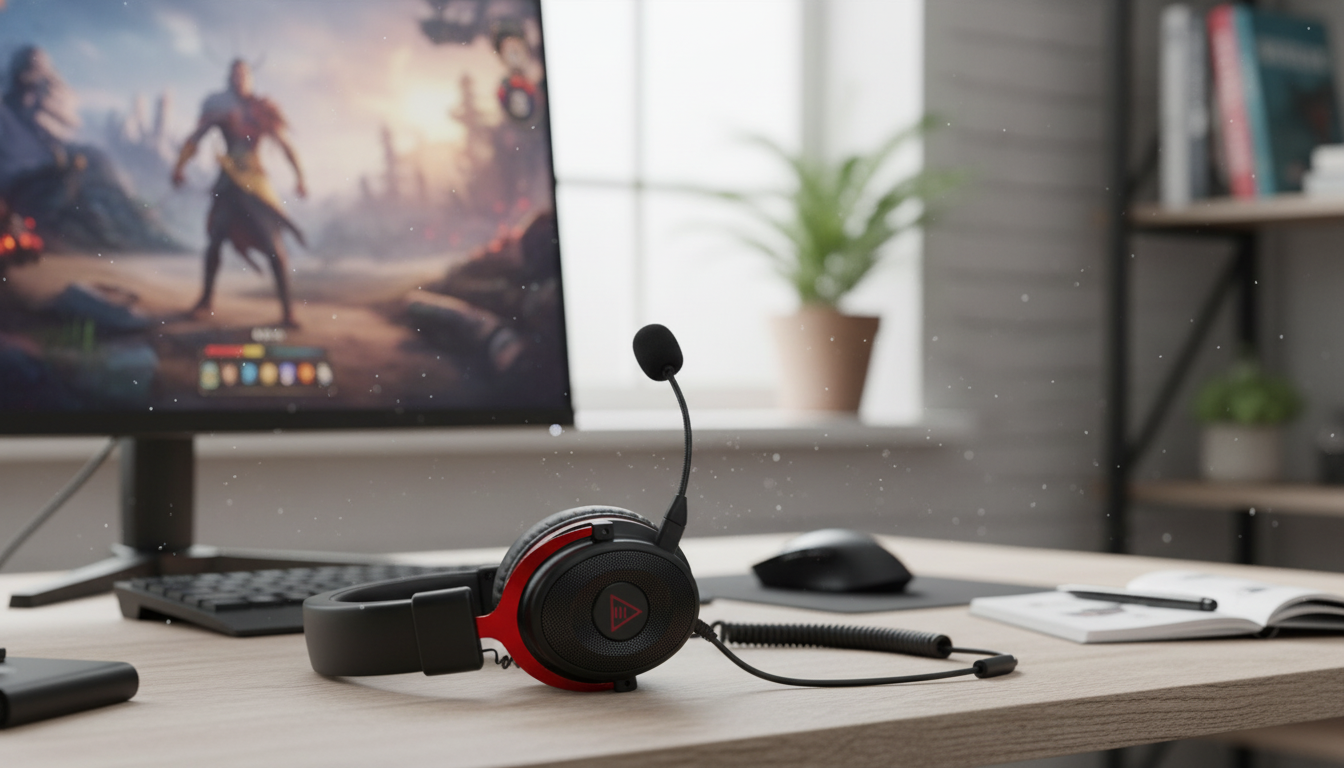
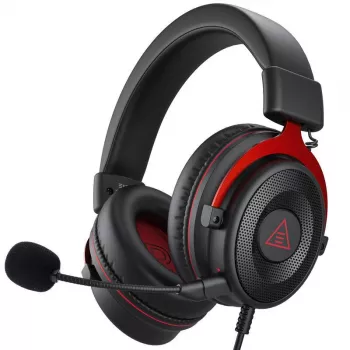
Immersive 3D audio and a detachable microphone are a practical combo for gaming: spatial cues become easier to place, and the mic can be removed when listening to music, traveling, or storing the headset. This guide breaks down what to look for, how to set it up for clear voice chat, and how to decide if this style of headset fits a specific platform and play style.
If you’re shopping now, the Immersive 3D Sound Gaming Headset with Detachable Mic is available for $46.67 and is currently in stock.
When a game supports a spatial mix (and your platform outputs it correctly), “3D sound” aims to make audio behave more like it does in real space—position, distance, and movement feel easier to interpret.
Footsteps, reloads, and ability sounds become easier to place in front/behind and above/below. In tactical shooters and battle royale games, that can translate into faster reactions when someone climbs a stairwell or crosses behind cover.
Subtle changes in volume, reverb, and tone help distinguish “next room” from “two floors up.” This is especially noticeable in maps with multi-level interiors, where basic stereo can blur vertical positioning.
A roomy presentation can reduce the “inside the head” sensation, which many players appreciate during longer sessions. It can also make busy scenes feel less congested, helping critical sounds stand out.
The biggest improvements tend to come from titles with strong positional audio mixes and consistent output settings. If a game’s audio is compressed or inconsistent, spatial processing may not add much—and sometimes can make effects feel “swimmy.”
A detachable boom mic is one of those features that’s easy to overlook until you’ve used it daily.
Specs can be helpful, but comfort and consistent fit usually matter more than chasing one number. These are the categories that most often impact day-to-day satisfaction.
Great hardware can still sound “off” if spatial processing layers stack or if input settings are mismatched. A quick setup pass usually fixes most issues.
| Issue | Likely cause | Fast fix |
|---|---|---|
| Positional audio sounds “phasey” or hollow | Double spatial processing (game + OS + headset app) | Disable one layer; keep only the game’s spatial mix or the OS spatial setting |
| Mic sounds distant or muffled | Mic too far, or pointing at airflow | Move closer and angle slightly to the side of the mouth |
| Background noise in chat | High mic gain or no noise suppression | Lower input gain; enable noise suppression in Discord/console settings |
| Bass is weak | Poor seal from glasses/hair or loose fit | Adjust headband; reseat ear cups; consider thicker pads if available |
| Product | Price | Availability |
|---|---|---|
| Immersive 3D Sound Gaming Headset with Detachable Mic | $46.67 | In stock |
A gaming headset can improve positional awareness and reduce distractions by keeping audio consistent and close to your ears. In supported games, spatial audio can make direction and distance cues clearer, helping you react faster and stay oriented.
Several HyperX models include detachable microphones, including certain HyperX Cloud series variants, but exact features vary by edition and release. The most reliable approach is to check the specific model’s spec sheet to confirm whether the mic is detachable.










Leave a comment