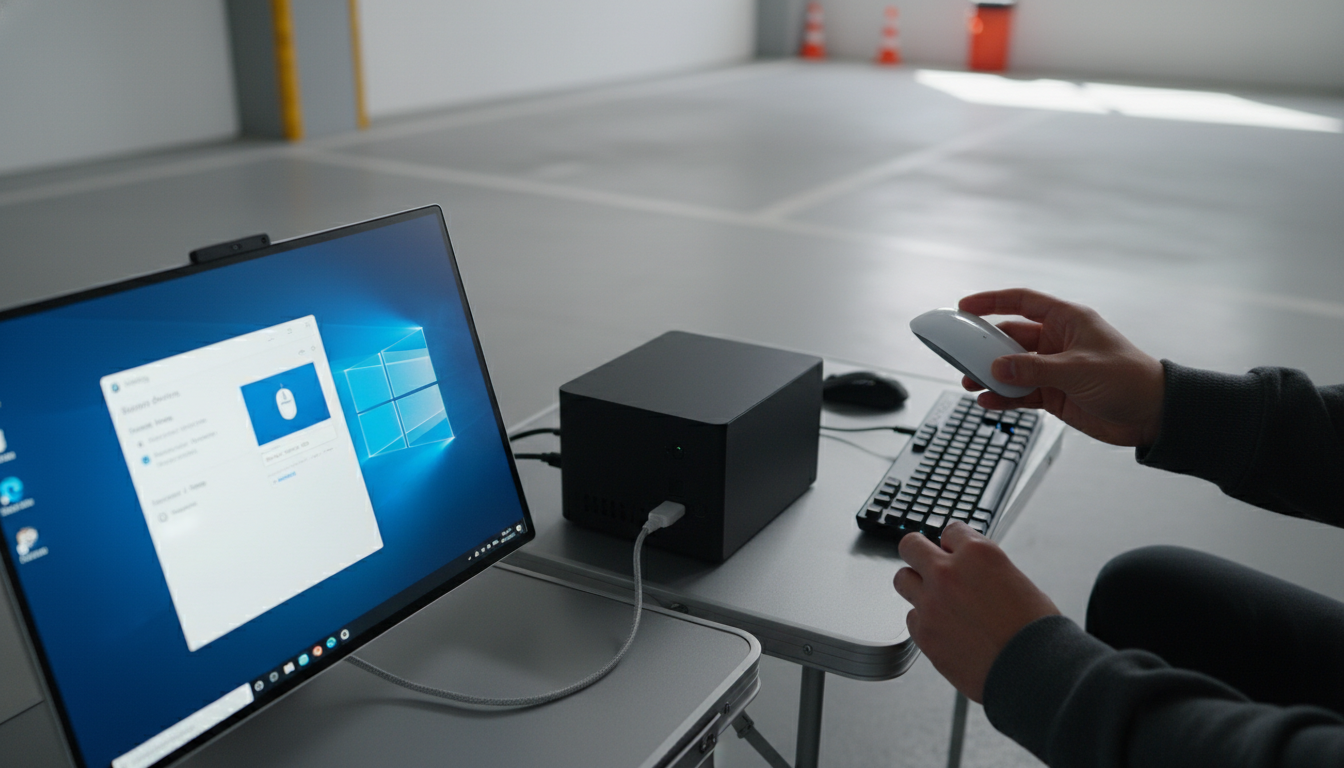
Often, yes—but it depends on the specific Mac wireless mouse and how it connects. Most “Mac” wireless mice use either Bluetooth or a USB wireless receiver. A Windows PC can use both connection types, but Apple-branded models may have a few extra limitations compared to standard Bluetooth mice.
If the mouse is a Bluetooth model (including many mice marketed “for Mac”), it will usually pair with Windows the same way it pairs with macOS. On your PC, open Bluetooth settings, put the mouse in pairing mode, and select it when it appears. Basic functions like left/right click, scrolling, and cursor movement typically work right away.
Apple’s Magic Mouse can connect to Windows via Bluetooth, but some features may be inconsistent without extra software. For example, gesture support and smooth multi-touch scrolling can be hit-or-miss depending on Windows version, drivers, and how the mouse is paired. Also, if a “Mac” mouse relies on macOS-only customization software for button remapping, those extra buttons may revert to default behavior on a PC.
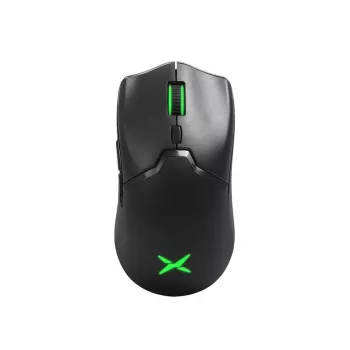
A mouse with a USB dongle is often the simplest option for Windows desktops—plug it in and it works. Bluetooth is cleaner (no dongle), but pairing can vary by PC hardware and drivers. For gaming or fast-paced use, many users prefer a 2.4GHz USB receiver for steadier performance.
Check the product page for “Windows compatible” or “Windows/macOS” support, and look for notes about software requirements. For a deeper breakdown on picking a wireless mouse that plays well across Mac and Windows—especially RGB and gaming styles—see the full guide here: https://gskbuy.com/guide-rgb-wireless-gaming-mouse-mac-windows-guide/.
Usually not—Windows includes standard Bluetooth HID drivers that cover basic mouse functions. You may only need extra software if you want advanced features like custom button mapping or gestures.










Leave a comment