HomeBlogBlogDo GaN Fast Chargers Work? Fix Common Charging Issues

Do GaN Fast Chargers Work? Fix Common Charging Issues

Do Gan Fast Chargers Work? Fix Common Charging Issues

Does the GaN fast charger work?

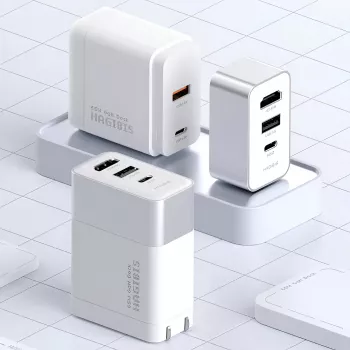
Yes—when it’s sized correctly for your devices and used with the right cables, a GaN fast charger works reliably and can deliver the same (or better) charging performance as many larger, older-style chargers. GaN (gallium nitride) chargers are designed to switch power more efficiently than traditional silicon-based designs, which is why they’re often smaller while still pushing high wattage like 65W.

How you can tell it’s working properly

A GaN fast charger is doing its job when your phone, tablet, laptop, or handheld console negotiates the expected fast-charging mode and holds a stable charge rate. Typical signs include:

  • Your device shows “Fast Charging,” “PD,” or a similar status message.
  • The charger stays warm but not excessively hot during sustained use.
  • Charging speed remains consistent rather than repeatedly dropping in and out.

What can make it seem like it doesn’t work

Most “not working” reports come down to compatibility or setup rather than GaN itself. Common causes include:

  • Insufficient wattage: A 20W or 30W charger may charge a laptop slowly (or not at all while in use). For many USB-C laptops and devices like the Steam Deck, 45W–65W is a safer target.
  • Wrong cable: Some USB-C cables only support basic charging. For higher power, use a USB-C to USB-C cable rated for the wattage you need (often 60W or 100W).
  • Port priority rules: Multi-port chargers may split power between ports. If you plug in a second device, the first device can drop to a lower wattage.
  • Protocol mismatch: Some devices want USB Power Delivery (PD), while others may rely on proprietary fast-charge methods.

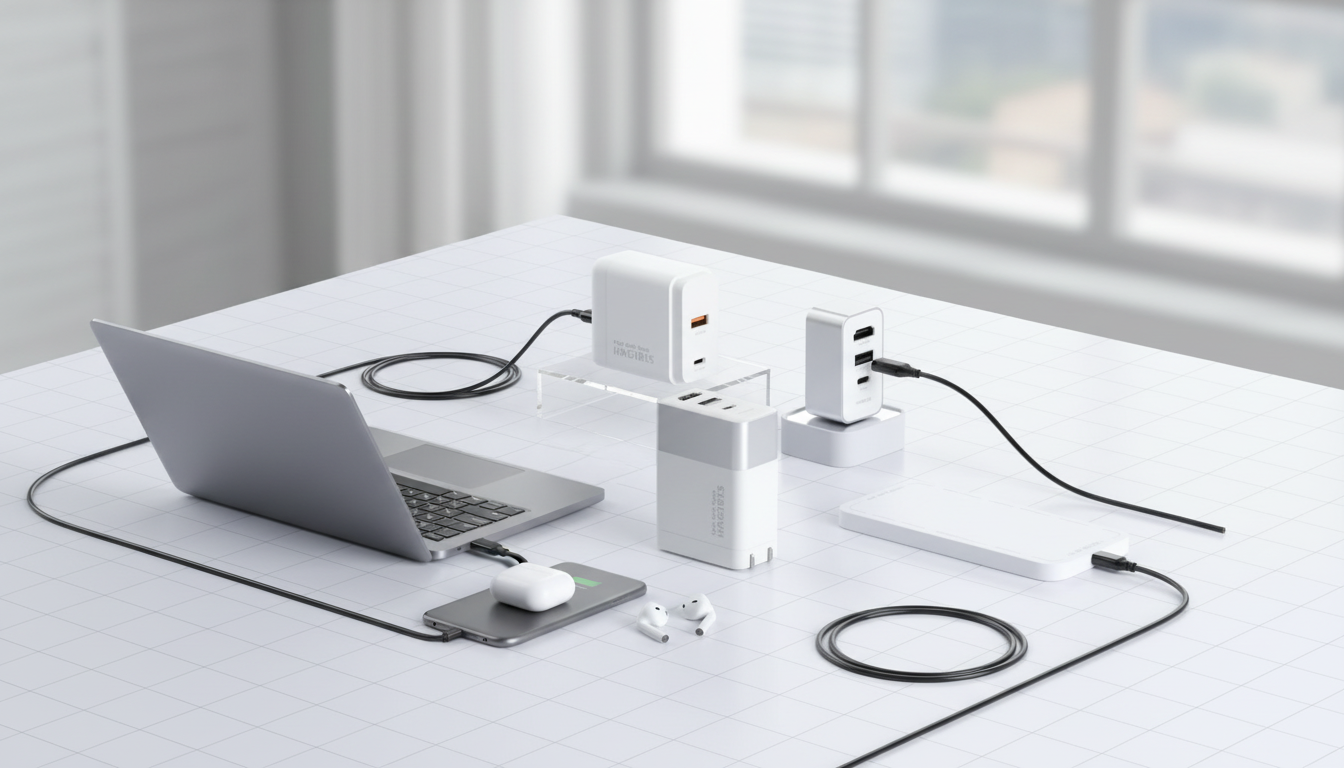
Using a GaN charger with docks, HDMI, and handhelds

If you’re pairing a charger with a dock or a hub (especially for 4K HDMI output), stable power delivery matters. Look for a charger that can maintain its rated output under load, and verify the dock’s power requirements. For a deeper walkthrough of a 65W GaN charger/dock setup (including HDMI switching), see the main guide here: https://gskbuy.com/guide-65w-gan-charger-dock-4k-hdmi-switch-steam-deck/.

FAQ

Is a 65W GaN charger enough for a Steam Deck and a USB-C dock?

In many setups, yes—65W can cover the Steam Deck plus a dock, but total demand depends on connected peripherals and whether the dock draws significant power. If you see dropouts or slow charging while gaming, try a higher-wattage charger and a rated USB-C cable.

Was this article helpful?

Yes No
Leave a comment
Top

Yay! 10% Off Just for You!

Join our community and enjoy 10% off your first order. Subscribe for exclusive deals!

Shopping cart

×