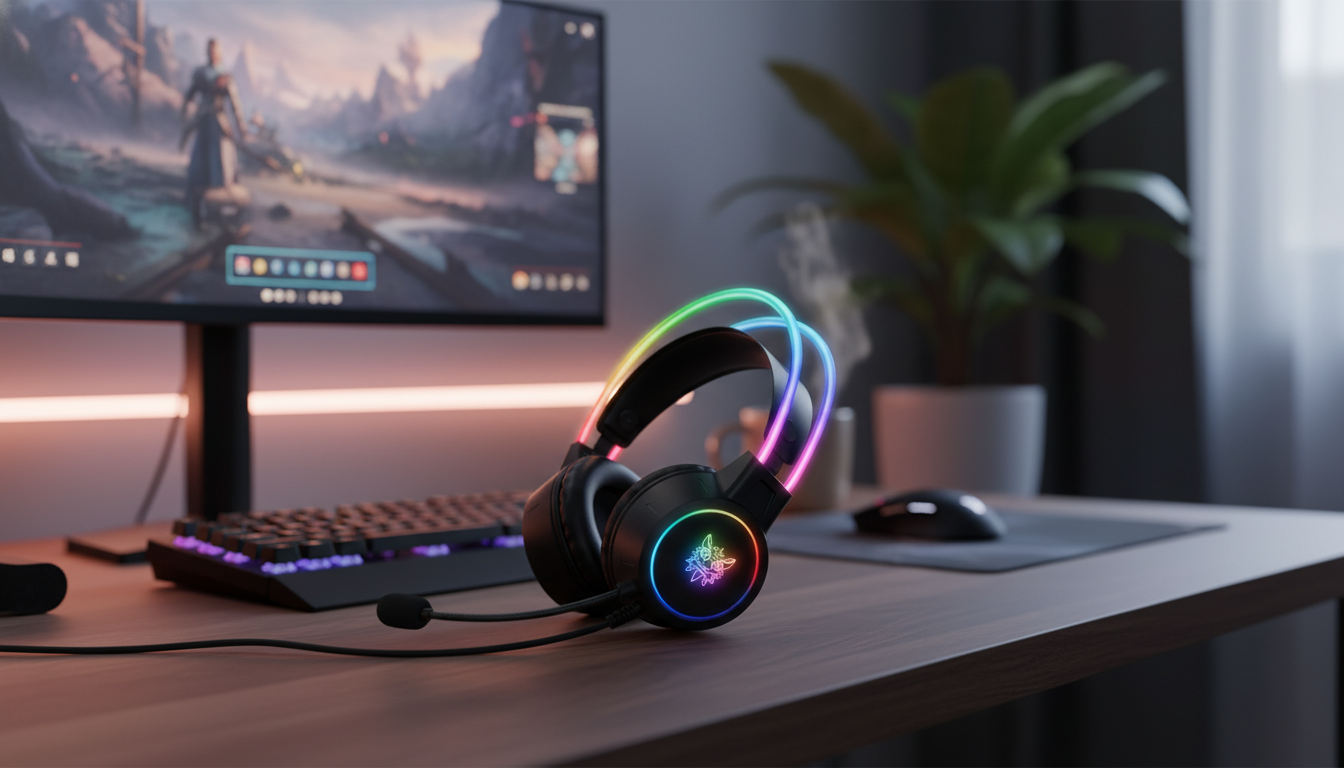
A gaming headset can make the difference between simply hearing the action and reading it—footsteps, reload cues, and directional abilities all become clearer with virtual surround. This RGB light gaming headset pairs 7.1 surround sound with a noise-cancelling microphone for cleaner team chat, plus illuminated styling for desk and stream setups. Below is a practical breakdown of sound performance, mic behavior, comfort, setup, and what to check before buying.
| Feature | What to look for | Why it matters |
|---|---|---|
| Surround sound | Virtual 7.1 mode or software-enabled surround | Improves directional cues in FPS and battle royale games |
| Microphone | Noise-reducing pickup with mute control | Cleaner comms in Discord/party chat; faster callouts |
| Fit | Adjustable headband + cushioned ear cups | Less pressure during multi-hour play sessions |
| RGB lighting | On/off or mode controls | Style customization without becoming distracting |
| Compatibility | PC/console support based on connection | Avoids missing features like surround or mic on certain platforms |
Virtual 7.1 surround usually relies on software processing to simulate speaker placement while still using standard stereo drivers. That means the “wow” factor can change from game to game depending on the engine’s mix, your in-game audio mode, and even the map’s ambient noise profile.
On Windows PCs, you can also encounter OS-level spatial options. If you’re troubleshooting odd imaging, it helps to understand what Windows is doing at the system layer; Microsoft’s overview of spatial sound settings is a useful reference: Microsoft Support: Spatial sound in Windows.
Noise reduction tends to work best on steady sounds like PC fan noise, HVAC hum, or a consistent room tone. It’s less effective against sharp, unpredictable spikes like keyboard smacks or a door closing. The goal is a voice signal that stays present and intelligible so teammates don’t have to keep asking for repeats.
If you’re tuning for Discord, their Voice & Video settings guide can help you quickly verify the selected input device, sensitivity, and suppression tools: Discord Support: Voice and Video settings.
Comfort isn’t just about “soft pads.” Clamp force, seal quality, and headband height all influence how long you can play before fatigue sets in. A solid over-ear seal can also improve perceived bass at lower volumes and make positional cues feel more stable.
Sound “shape” also plays into comfort—especially for long sessions. For a deeper explanation of how frequency response influences perceived brightness, bass, and vocal clarity, see: RTINGS: Headphone frequency response and sound profiles.
Virtual 7.1 works broadly, but how “accurate” it sounds depends on the game’s audio mix and your settings. Compare stereo vs. 7.1 per title, and avoid running multiple surround/spatial effects at the same time.
Position the mic close to your mouth but slightly off to the side, then set input gain so your normal voice is strong without clipping. Confirm the headset mic is selected as the input device and use noise suppression features if available.
On a wired headset, RGB draws power from the connection and has negligible impact on system performance. If you want less lighting or you’re using a low-power port/hub, turning RGB off can reduce power draw.












Leave a comment