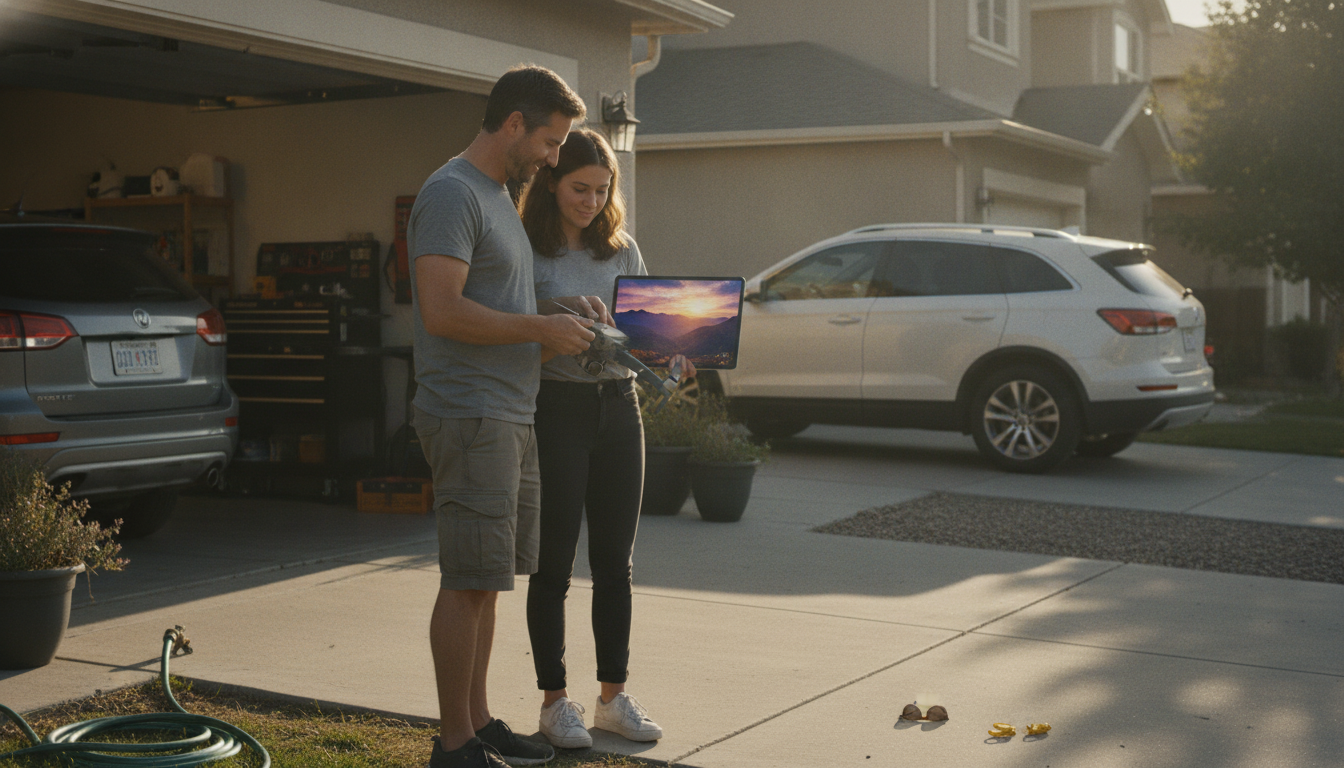
Yes—4K HDR is usually noticeable, but how noticeable depends on where you watch it and what you’re comparing it to. “4K” affects sharpness and fine detail, while “HDR” affects highlights, shadows, and color volume. When both are done well, the upgrade can look less like a small bump and more like a different tier of image quality.
4K resolution can make edges look cleaner and textures more defined—think tree leaves, roof shingles, grass, sand, and distant buildings. The difference stands out most when you view on a larger 4K display, sit close enough to see the extra detail, or crop/zoom footage in editing. On smaller screens, or when the video is heavily compressed, the resolution gain can be harder to spot.
HDR is often the “wow” factor because it changes the dynamic range. Bright areas like sun reflections on water, clouds near the sun, or city lights at dusk can retain detail instead of blowing out to white. At the same time, darker areas can keep more information without turning into a flat black blob. Good HDR also helps colors look richer without becoming neon—more realistic gradients in skies and smoother transitions in shadows.
You’ll notice it most on an HDR-capable 4K TV/monitor (with HDR actually enabled), with high-bitrate video, and in scenes that naturally stress cameras: sunsets, high-contrast midday shots, interiors with bright windows, and night cityscapes. For aerial footage, HDR can preserve both the bright horizon and darker ground detail in the same shot, which is where standard dynamic range often struggles.
If the content is streamed at a low bitrate, if the display isn’t truly HDR, or if the footage was captured with limited dynamic range, the “HDR” label may not translate into a visible improvement. Also, aggressive noise reduction, sharpening, or heavy color grading can mask the natural benefits of 4K HDR.
For a practical, real-world breakdown of what to expect from 4K HDR aerial footage—including quality and flight-time tradeoffs—see the full guide here: https://gskbuy.com/guide-4k-hdr-hasselblad-drone-real-world-quality-flight-time/.
Yes. To see real HDR, you need an HDR-capable display and HDR enabled in the device and app settings. On a non-HDR screen, HDR content is usually converted to standard range and looks closer to regular video.











Leave a comment